Classic mode
Everyone plays every question. Correct answers, speed and streaks contribute to the score.

Choose a game mode, practice before you host, and control the game from your phone. Set up your quiz for a lesson, workshop or quiz night.
Explore modes and hosting toolsChoose a mode when you launch a game. Rehearse beforehand, then use the hosting tools during play.
Everyone plays every question. Correct answers, speed and streaks contribute to the score.
A wrong or missed answer eliminates you. Keep answering correctly to stay in the game.
Run a valid draft or published quiz with 1–24 simulated players. Check the timing and try the player view on your own phone.
Pair a phone to start, advance, skip, pause or resume. The host screen stays on display while you move around the room.
During the current question’s answer reveal or leaderboard, change the correct answer, accept another option or void the question. Scores update before you continue.
Show the leaderboard for 5–30 seconds, then advance automatically. Leave it on screen longer when you want to discuss an answer.
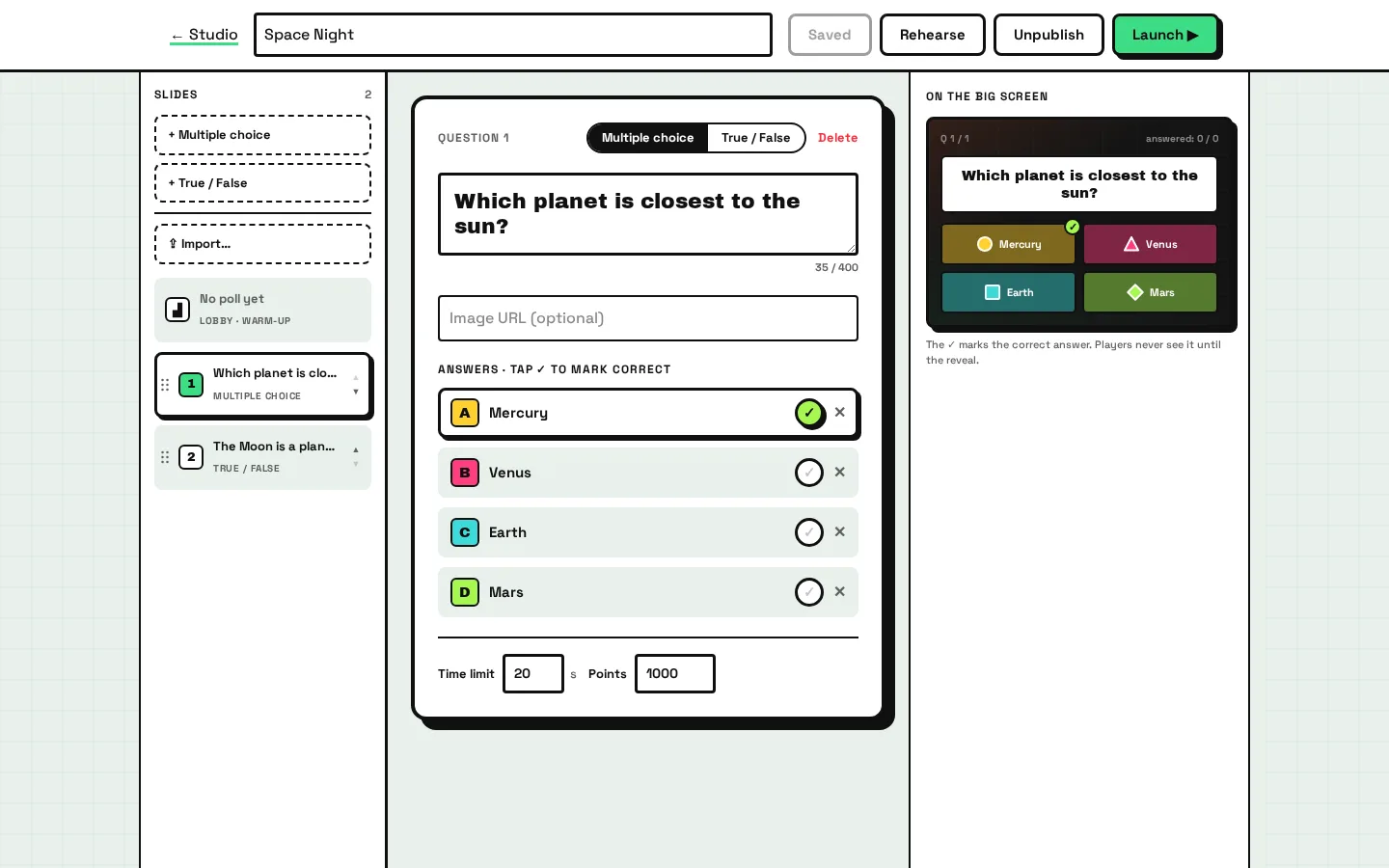
Write a quiz from scratch or import questions you already have. Prepare the questions, answers and time limits for your next lesson or gathering.
Create multiple-choice or true/false questions with two to four options and one correct answer. Set the time limit and points for each question.
Paste questions in KaBooom’s text format. The import preview points out errors before you add them to the quiz.
Copy the formatting prompt into your preferred AI assistant. Review its output, then paste the questions into KaBooom. KaBooom does not generate questions itself.
Start from an editable template, duplicate a quiz, or prepare questions with fellow hosts in a shared library.
Show the questions, countdown and answer reveals on one shared screen. Guide everyone through the game, with a leaderboard between questions and a podium at the end.
Static recreations of product screens with 48 sample players. Names and results are examples. Interface labels match the current product.
Use your group’s logo and theme on the live screen. The lobby shows the PIN and QR code players need to join.
Press Space to advance between phases. During a question, press Escape to pause or resume. You can also use the on-screen controls.
Pausing a question holds its countdown. Questions close on the server’s clock, or early when every connected player has answered.
See who has joined before you start. Remove players with inappropriate nicknames from the lobby.
Players read the question on the big screen and answer on their phones. The phone is a controller for the shared game, with no app to install and no player account to create.
A six-digit PIN and a nickname are enough. Players can type the PIN or scan the lobby’s QR code.
Each answer button has a color and a shape: circle, triangle, square or diamond. Match it to the option on the shared screen.
The first answer accepted by the server stays locked. The phone does not receive the answer key before the reveal.
If the connection drops, the same browser can reconnect with its player token while the room is active. The score stays with that player.
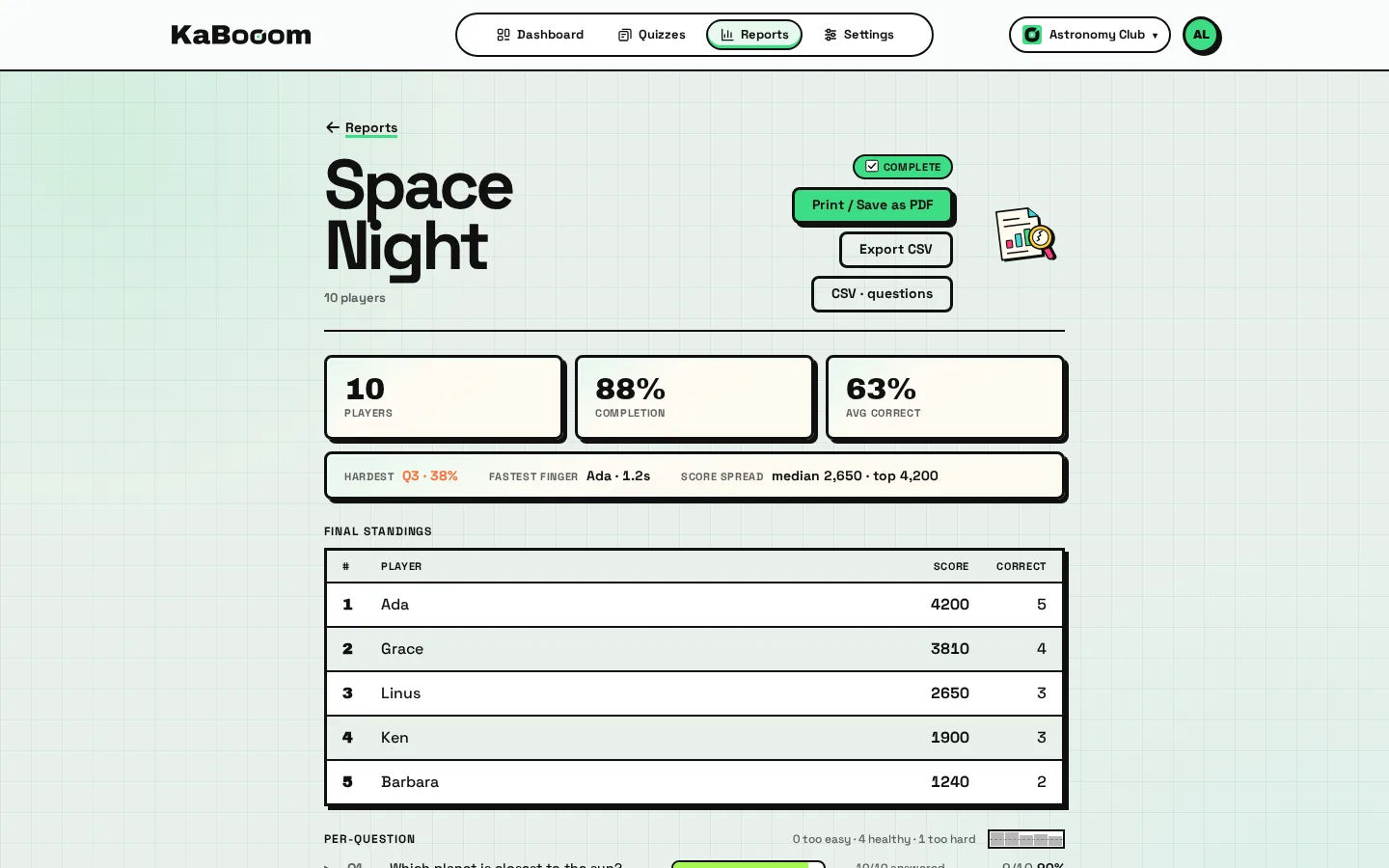
After the game, review who played and how they answered. See which questions were straightforward and which were more difficult.
Review the final rankings, scores and fastest correct answer.
See how many players answered and how many got each question right. Use the difficult questions to plan your next round.
Download the standings or per-question breakdown as CSV when you want to work with them in a spreadsheet.
The report records the game’s nicknames and answers. Players do not supply an email address to join.