
Good questions. Shared learning.
Start a lesson, revisit a topic or bring a study group together. You prepare the questions; everyone follows one screen and answers from their browser.
See what works todayLive learning today. More classroom tools ahead.
We plan to add more classroom tools. Today you can create live quizzes and review each session’s answers. Curriculum question banks, individual student progress tracking, self-paced assignments and LMS integrations are not available yet.
Read the product comparisonLesson warm-ups
Open with a few questions on the topic. Everyone answers, then you use the reveal to start a conversation.
Review sessions
Bring your own questions to check understanding. Review the per-question results to choose what to discuss again.
Study groups
Prepare a round together or take turns hosting. A browser, PIN and nickname are enough for others to join.
One screen. Everyone thinking.
You write the quiz and guide the session. Learners answer on their phones, while the question, countdown and reveal stay on the shared screen.
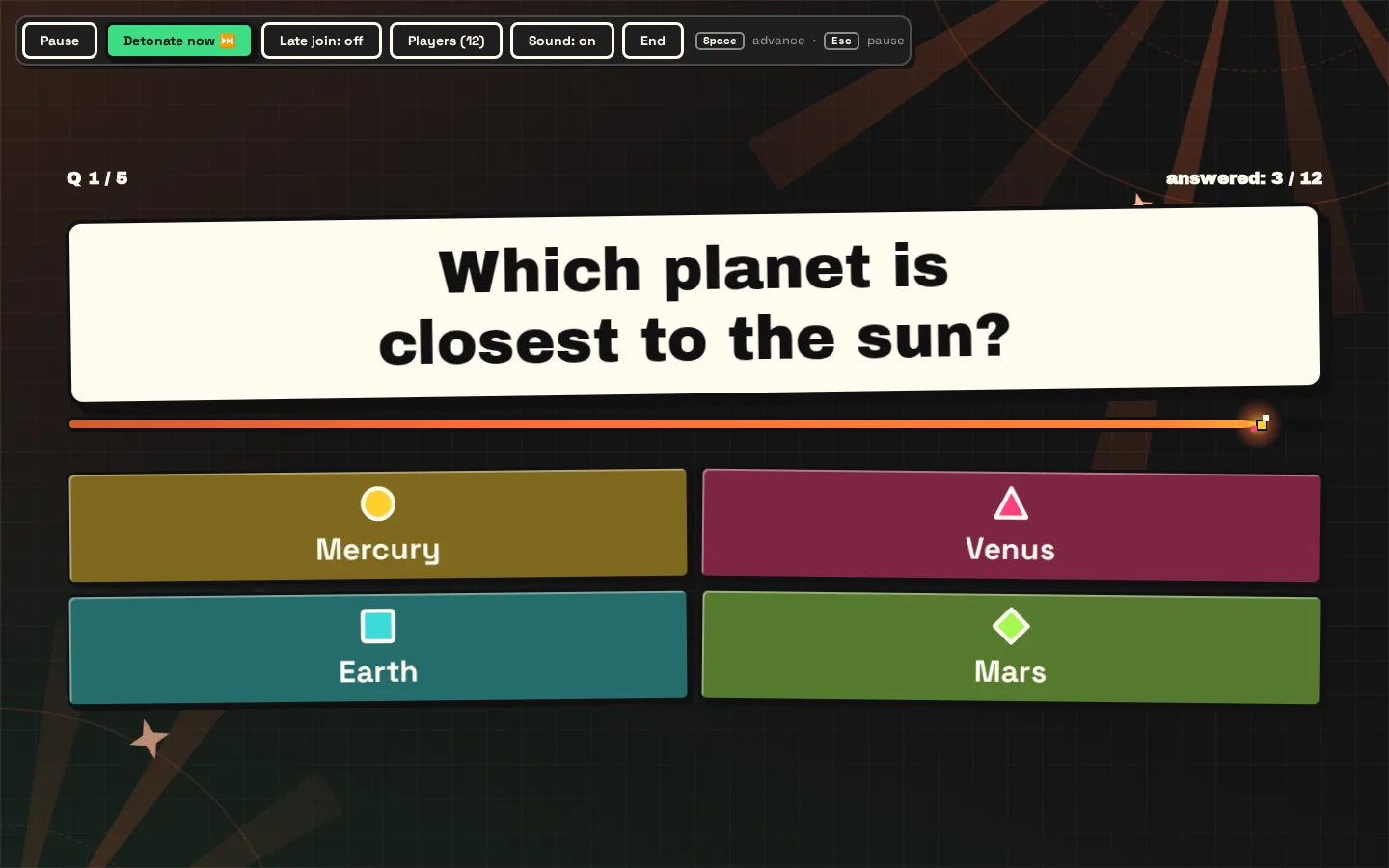
Product screenshot with a sample quiz and players. It does not show an actual classroom session.
- Quiz
Create your questions before the session. Use a personal library or invite fellow hosts into a shared community library.
- Screen
Open the host view on the laptop connected to your projector or shared screen. Check the questions are readable from the back.
- Phones
Show the room PIN. Players join with a nickname, answer on their phones and look up for the reveal.
Before your next session:
Bring your questions, a shared screen and an internet connection. Check your learning goals against the tools available today.
Bring a laptop and a projector or a shared screen everyone can see.
Check that the host and players can get online where you will play.
Run rehearsal mode once before people arrive. Try the screen, the sound and the whole quiz.